
AI Safety Tips: How to Use Artificial Intelligence Wisely

Summary
Artificial intelligence (AI) is quickly becoming part of everyday life — from search engines and navigation apps to tools that help draft emails, organize ideas, and answer questions in seconds.
While AI can be incredibly helpful, it’s also important to understand the privacy and scam risks that can come with it. In this article, we share practical ways to use AI wisely while helping keep your personal information safe.
Artificial intelligence (AI) has moved from “future tech” to an everyday tool. It can summarize information, draft writing, organize ideas, and spot patterns in large amounts of data—often in seconds.
Used thoughtfully, AI can save time and make everyday tasks easier.
But it’s also powerful enough to be misused. The same tools that generate helpful answers can also generate convincing misinformation, fake images, and even realistic “voice clones” that scammers use to impersonate loved ones.
What can AI do for me?
Chances are, you’re already using AI in search, navigation apps, spam filters, and voice assistants. You can also use modern AI tools (like ChatGPT, Google Gemini—formerly Bard—and Microsoft Copilot) to:
- Explain a topic in plain language (and give you a quick summary of what to read next)
- Help draft a message (emails, cover letters, thank-you notes, condolence notes)
- Brainstorm meal ideas, workouts, travel outlines, or a home project checklist
- Organize a budget or compare “what-if” scenarios (retirement, savings goals, debt payoff)
- Create an outline for a presentation, flyer, or community update
Helpful rule of thumb: AI is great for drafting and direction—but it’s not a substitute for verified facts or professional advice.
Understand the privacy and scam risks
Before you “paste and ask,” remember: many AI services store your prompts and responses unless you change settings. For example, Google’s Gemini Apps Activity is set to auto-delete after 18 months by default, and you can adjust or turn that off in settings.
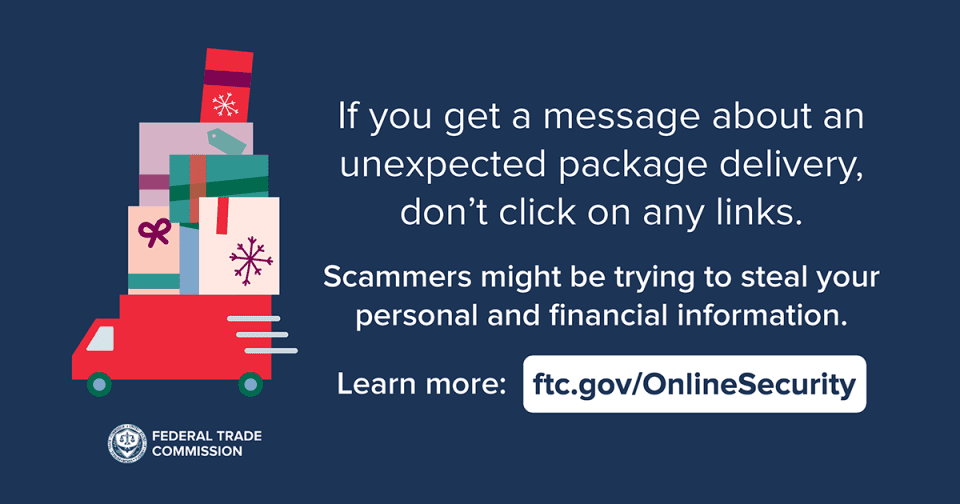
And when it comes to fraud, consumer protection agencies have specifically warned about AI-powered impersonation—like the “grandparent scam,” where a caller sounds like a loved one and pressures you to send money immediately.
Four smart don’ts
- Don’t assume it’s private. Review privacy settings and data controls. (Many services let you delete history and limit how your data is used.)
- Don’t share sensitive personal or financial info. Particularly account numbers, Social Security numbers, tax documents, passwords, PINs, or copies of IDs.
- Don’t trust urgent requests for money—especially by phone. If a caller claims to be family or a professional, hang up and call back using a number you already know. Consider setting a family “safe word” for emergencies.
- Don’t rely on AI alone for major decisions. Use it to prepare questions—but confirm details with trusted sources (your doctor, tax professional, attorney, or financial professional).
If you ever have a question about keeping your information safe, give us a call at 773.384.2030 —we’re here for you.